

Use Agent
AI Agent
Your expenses.
One live tracker.
Tell it your industry — get a branded expense tracker with categories built for how your business spends.
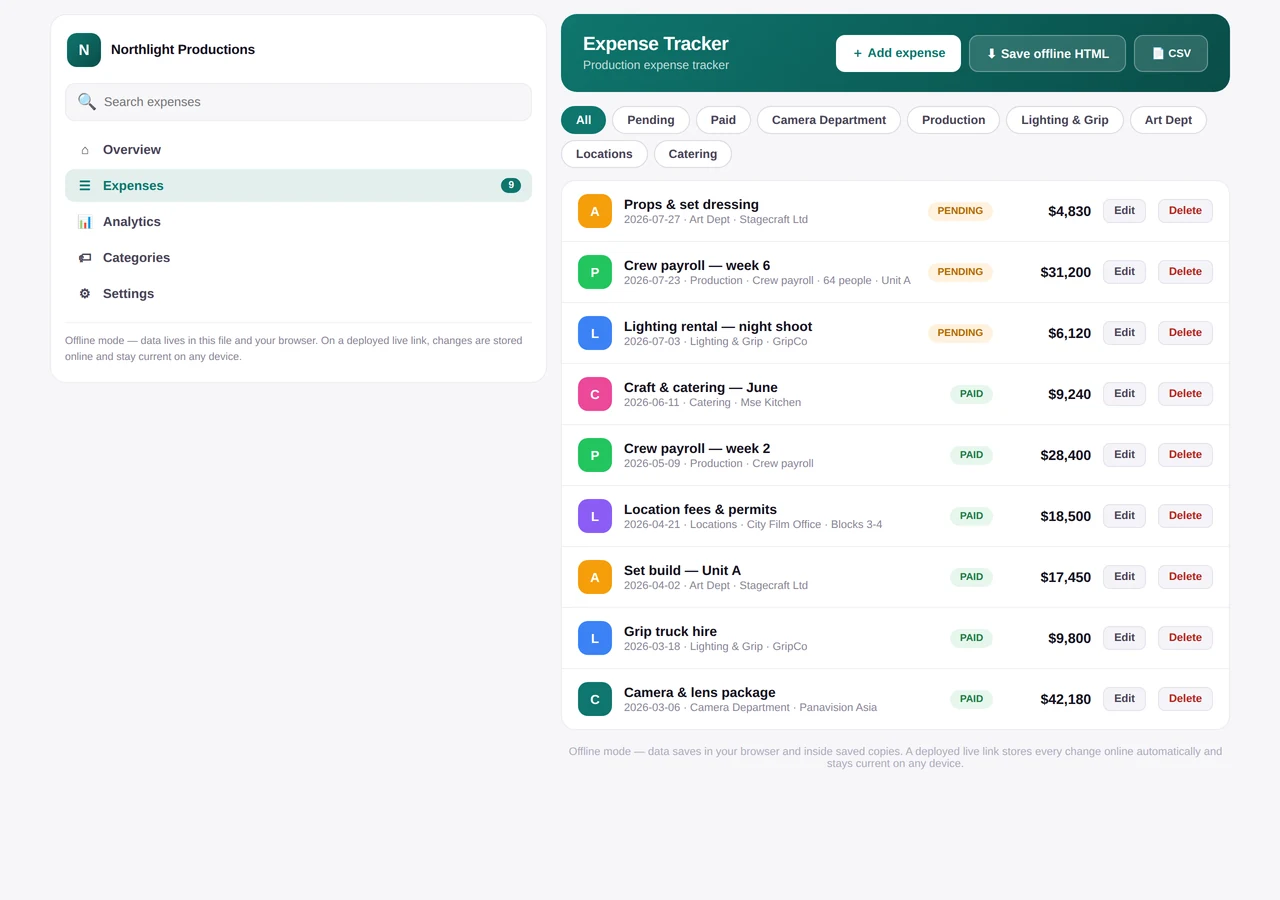
Expenses
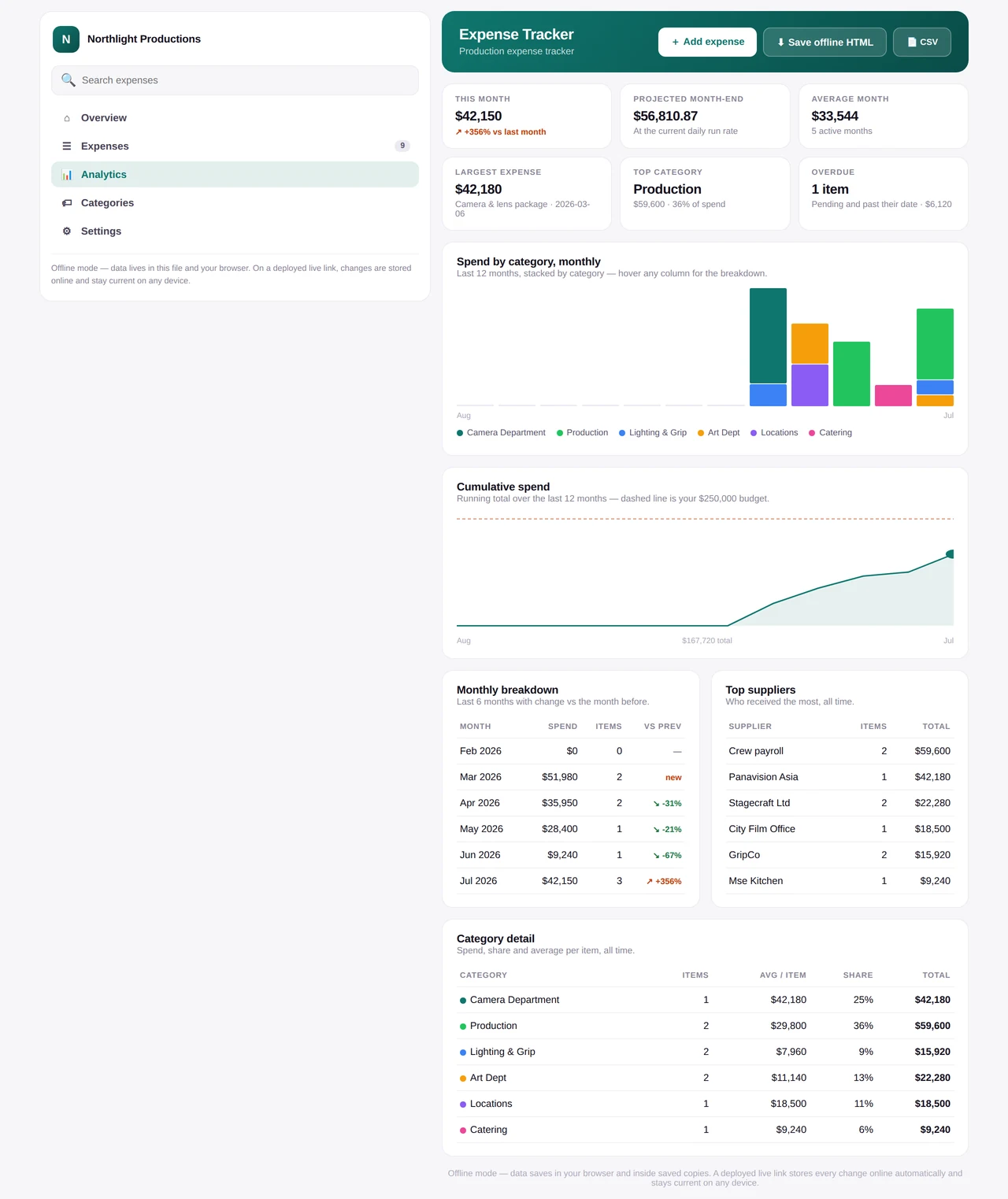
Analytics
Categories
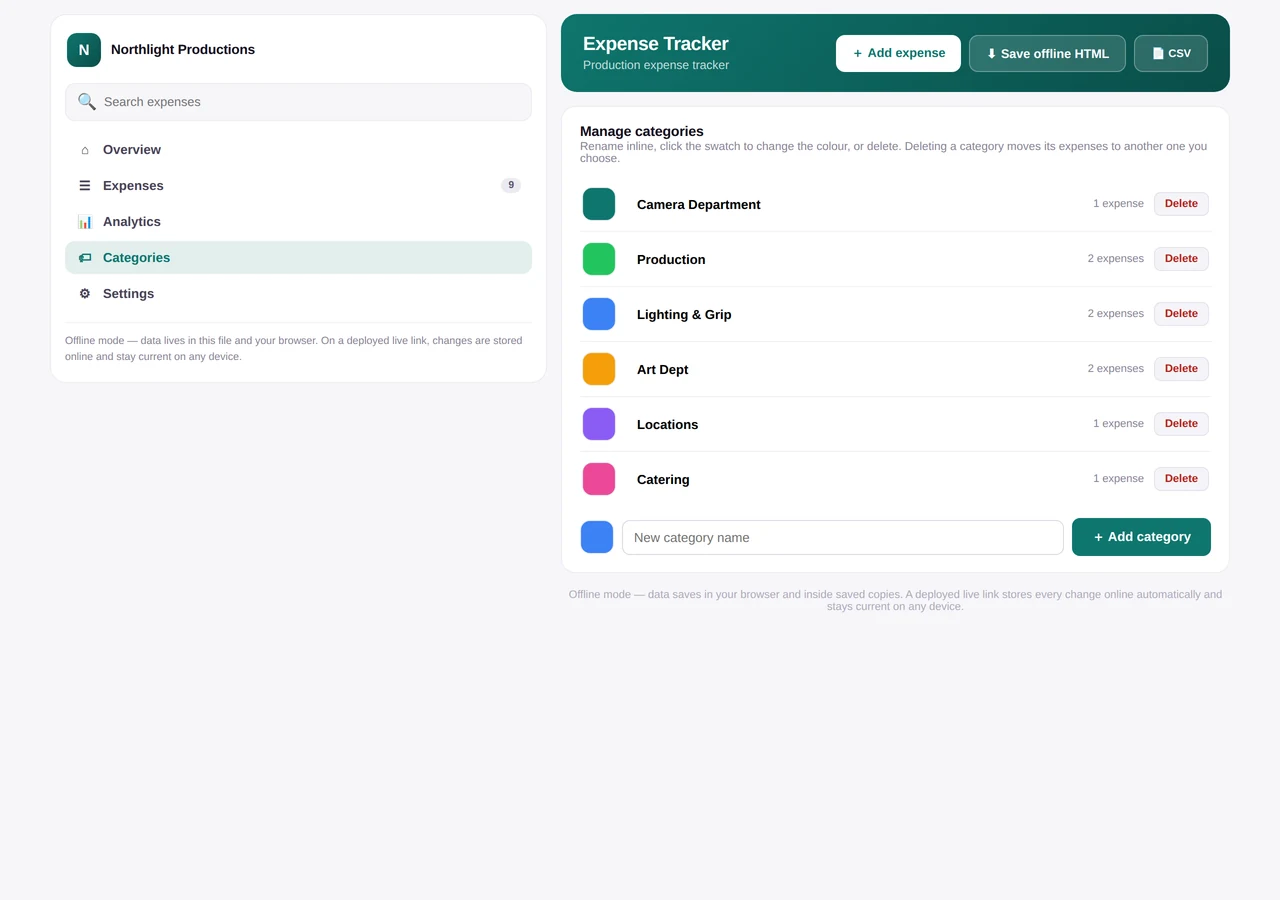
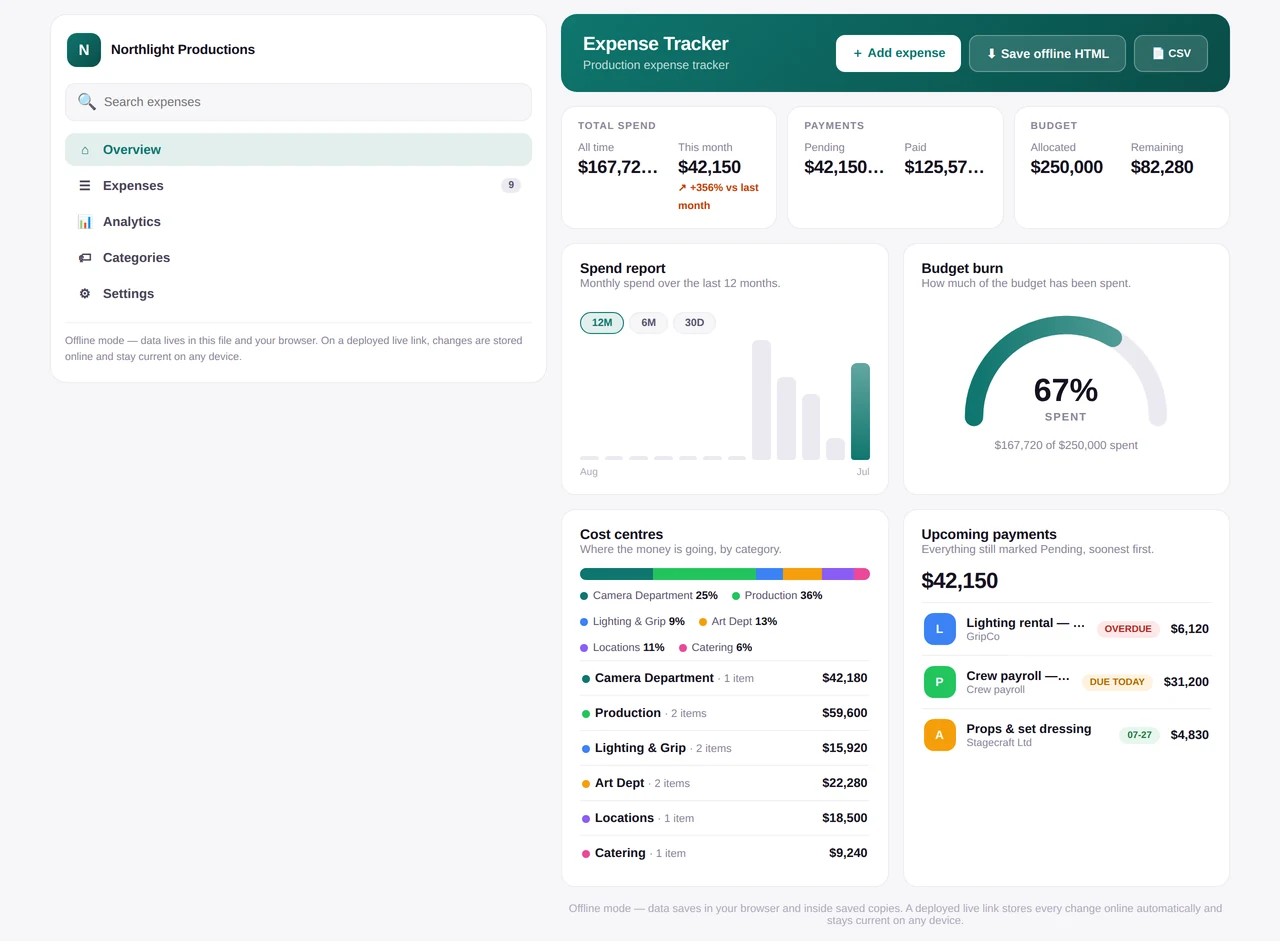
Tap any screen to open full size.
Dashboard with budget burn and upcoming payments, analytics with trends and top payees, editable categories, search, and CSV export. All in your brand.
Built for
your industry
your industry
CameraVenueMaterials
AI writes your categories. Edit them any time.
Autosaves
One link.
Always current.
Always current.
Changes save to your live link automatically.
CSV import
Drop in a file, start with your history.
Analytics
Burn, trends, projections, top payees.
Your brand
Logo, colours, currency on every screen.
How it works
1
Describe
Name, industry, colour.
2
Preview
Your tracker, live on the page.
3
Deploy
A permanent link — or download.
Questions
Do I need spreadsheet skills?
No. It's a ready-made app — add expenses, everything else updates itself.
Which industries does it work for?
Any. Categories are generated for yours and you can edit them any time.
Where does my data live?
On a live link, securely online — always current on any device. Offline copies keep everything in the file itself.
Can I import existing expenses?
Yes — upload a CSV and your history is in before the first build.
What's free, and what's PRO?
Free trial includes one build with offline download. PRO adds unlimited builds and the live autosaving link — plus every other agent.
At a Glance
InputBusiness name + industry
OutputLive tracker · one link
CategoriesAI-built for your industry
ViewsDashboard · Analytics · Categories
ImportCSV — Excel, Sheets, bank
Live linkAutosaves · any device
Build timeUnder 30 seconds
ExportOffline HTML · CSV
AccessPRO SUBSCRIPTION
Use Agent
Included with PRO
Build your live expense tracker
Part of the PRO SUBSCRIPTION — every AI agent on AIBasePro plus all Pro-included prompts, one subscription.
Use AgentGet the PRO SUBSCRIPTION — $19.99/moLearn more about the PRO SUBSCRIPTION →